Starting a new SEO project can feel like being the new kid at a high school where everyone already has their cliques and reputations. You’re staring at a competitor who seems to rank effortlessly for every keyword, and you’re wondering, “What do they have that I don’t?” More often than not, the answer is time. In the world of search engines, time translates to “Domain Age,” a critical factor that acts as a digital credit score for your website.
Understanding the age of a domain isn’t just about satisfying your curiosity; it’s about strategic intelligence. Whether you are looking to purchase a premium expired domain to jumpstart your growth or analyzing why a competitor dominates the SERPs, a Domain Age Calculator is your most essential diagnostic tool. It strips away the mystery, showing you exactly how long a site has been building its “trust” with Google. Let’s dive into why this metric is the backbone of veteran SEO strategies and how you can use it to gain a competitive edge.
What is a Domain Age Calculator and Why it Matters
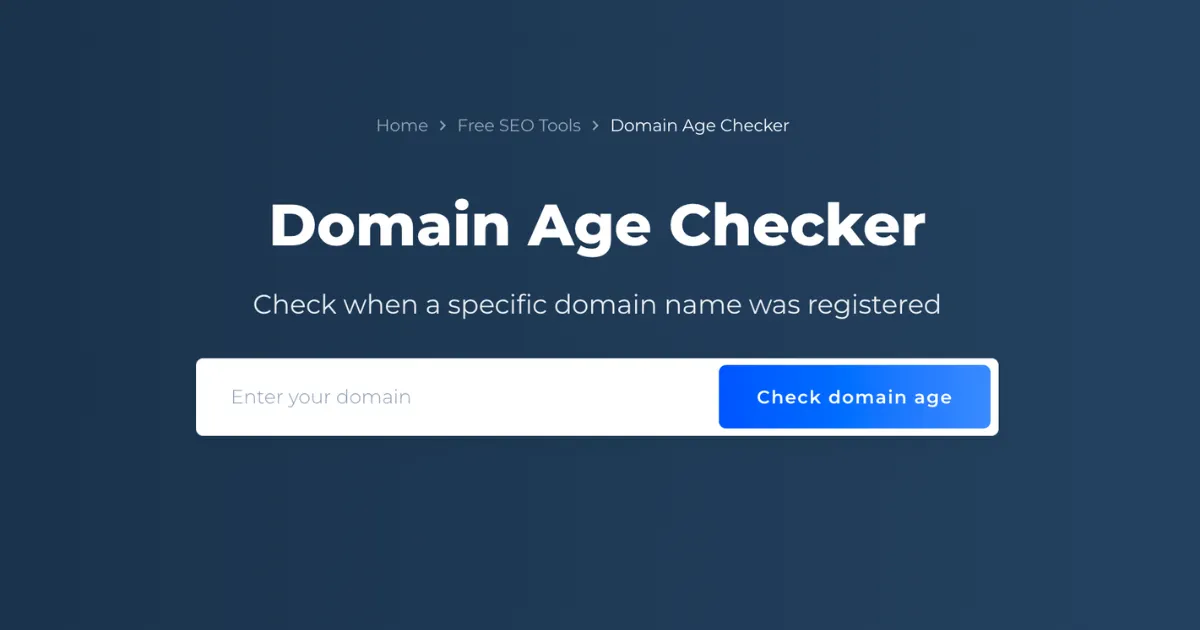
A Domain Age Calculator is a specialized SEO tool that identifies the exact date a domain name was first registered and how long it has existed. While it sounds simple, the implications for your SEO strategy are massive. Think of a domain like a fine wine or a professional reputation—it generally gets better and more trusted as it gets older.
Why It Matters for SEO
Search engines, particularly Google, place a high value on E-E-A-T (Experience, Expertise, Authoritativeness, and Trustworthiness). A domain that has been active for ten years without any “black hat” penalties is seen as much more reliable than a domain registered yesterday. New domains are often subject to the “Google Sandbox,” a period where the search engine cautiously observes the site before letting it rank for competitive terms.
By using a Domain Age Calculator, you can:
-
Vet Potential Purchases: Ensure an “aged” domain isn’t just a month old.
-
Analyze Competitors: Determine if a rival is winning because of better content or simply because they’ve been around since 2005.
-
Audit Backlinks: Check the age of sites linking to you; links from older, established domains carry significantly more “link juice.”
Step-by-Step Guide: How to Use a Domain Age Calculator
Using this tool is straightforward, but interpreting the data like a pro is where the real value lies. Follow these steps to get the most out of your analysis:
-
Step 1: Input the URL: Copy the full domain address (e.g.,
example.com) into the tool’s search bar. You don’t usually need thehttps://prefix. -
Step 2: Run the Check: Click the “Check Domain Age” button. The tool will query the WHOIS database and historical archives.
-
Step 3: Review the Registration Date: Look for the “Created Date.” This tells you when the domain was first born.
-
Step 4: Check the Expiry and Update Dates: A domain that is renewed for multiple years into the future often signals to search engines that the owner is serious and not a “fly-by-night” spammer.
-
Step 5: Verify via Wayback Machine: If the tool provides a link to the Internet Archive, use it. A domain might be 10 years old, but if it was “parked” or empty for 9 of those years, it won’t have the same SEO power as a site that was consistently active.
-
Step 6: Export for Comparison: If you are doing competitor research, log the ages of the top 10 ranking sites in a spreadsheet to find the “average age” required to rank for your target keyword.
The Math and Logic Behind Domain Authority
While there isn’t a single “multiplication formula” that Google uses, the logic behind domain age is rooted in Probability and Decay Models. Search engines use historical data to calculate the likelihood that a website is a high-quality resource versus a spam site.
In technical terms, we can look at the relationship between Age ($A$) and Trust ($T$) as a non-linear growth function. In the early stages, the “Trust” grows slowly (the Sandbox effect), but as the site persists without violations, the growth curve steepens.
In this simplified model, $T$ represents the Trust score, $A$ is the Age in years, and $B$ represents the “Backlink Profile” quality. As $A$ increases, the logarithmic growth ensures that while an older site has an advantage, a younger site can eventually catch up if its Backlink Profile ($B$) is significantly superior. The math tells us that consistency + time = authority.
Real-Life Scenarios: Putting the Tool to Work
Scenario 1: The “Aged Domain” Investment
Sarah is looking to start a tech blog. She finds a domain for sale called TechPioneer.com that claims to be 15 years old for $500. She uses the Domain Age Calculator and discovers the domain was actually dropped and re-registered only 6 months ago. The tool saves her $500 by revealing that the “SEO age” was reset, and the domain is effectively a newborn.
Scenario 2: Competitive Analysis
A local bakery, “Sweet Treats,” is frustrated that “Grandma’s Oven” always ranks #1. Using the calculator, the owner sees that “Grandma’s Oven” was registered in 1998, while “Sweet Treats” started in 2023. This realization changes their strategy: instead of trying to out-rank them on “age,” they focus on “freshness” and local social media signals to bypass the age gap.
Scenario 3: Link Building Outreach
You receive a guest post offer from a site that looks polished. You run it through the calculator and see the domain is only 30 days old. You realize they are likely a “link farm” and decline the offer to protect your site from a potential Google penalty.
FAQs: Everything You Need to Know
1. Does a domain’s age reset if I buy it?
If the domain registration never expires and is simply transferred, the age usually stays intact. However, if a domain expires and “drops” back to the registry before you buy it, the age (and SEO authority) often resets to zero.
2. Is a 10-year-old domain always better than a 1-year-old one?
Not necessarily. A 1-year-old domain with high-quality content and powerful backlinks can outrank a 10-year-old domain that has been neglected, contains thin content, or has a “toxic” link profile. Age is a “booster,” not a guarantee.
3. Can I hide my domain’s age from calculators?
While you can use “WHOIS Privacy” to hide your personal contact details, the actual registration, update, and expiry dates of a domain are public record and cannot be hidden from SEO tools.
Conclusion & CTA
Domain age is the “silent partner” in your SEO strategy. It provides the foundation of trust that allows your content and keywords to truly shine. By using a Domain Age Calculator, you stop guessing and start making data-driven decisions about your competition and your digital investments.
Ready to see where you stand? Use our professional Domain Age Calculator now to audit your site and see how much “authority equity” you’ve built over the years!
Leave a Reply